Three ways to style HTML
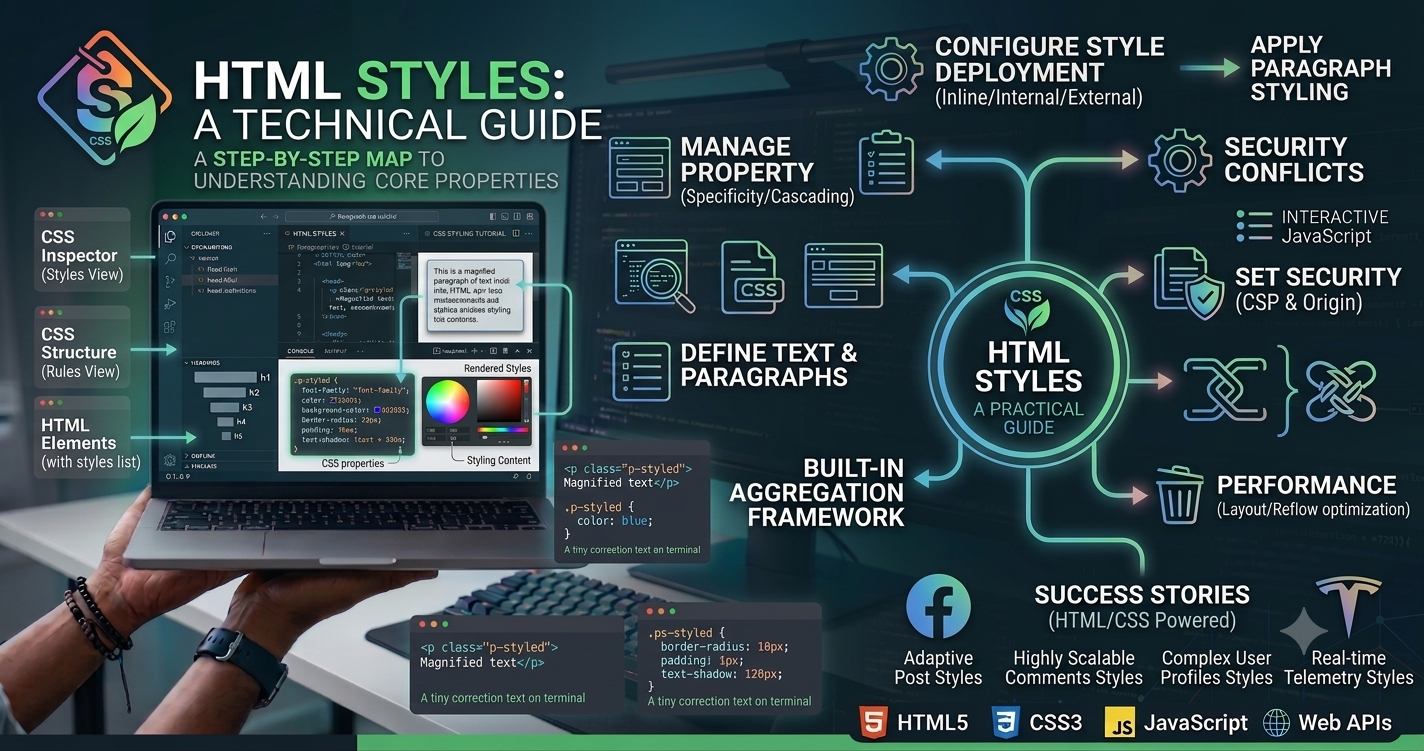
HTML describes structure. CSS describes presentation. You can attach CSS in three common ways: inline on an element, internally in a <style> block, or externally via a stylesheet link.
Inline styles
<p style="color:#0f172a;font-size:18px">Hello</p>Useful for quick prototypes or email HTML. Avoid for large sites — inline styles are hard to reuse and override cleanly.
Internal CSS
<head>
  <style>
    .hero { padding: 2rem; }
  </style>
</head>
Fine for single-page demos. For multi-page sites, external CSS scales better.
External CSS (recommended)
<link rel="stylesheet" href="/styles.css" />External files enable caching, consistent design systems, and clearer separation of concerns.
Specificity basics
Inline styles beat IDs, which beat classes, which beat element selectors — unless !important appears (use sparingly). Prefer class-based styling and consistent naming (utility or BEM-like systems).
Accessibility and maintainability
- Do not rely on color alone to convey meaning.
- Keep contrast readable (WCAG guidance).
- Use relative units where appropriate for text scaling.
- Avoid styling purely presentational markup with extra empty elements when semantic tags exist.
Modern workflow tip
In frameworks (Next.js, WordPress themes), styles often live in CSS modules, Tailwind utilities, or global stylesheets compiled at build time. The HTML still references the final CSS — the principles above still apply.