Hello Friends
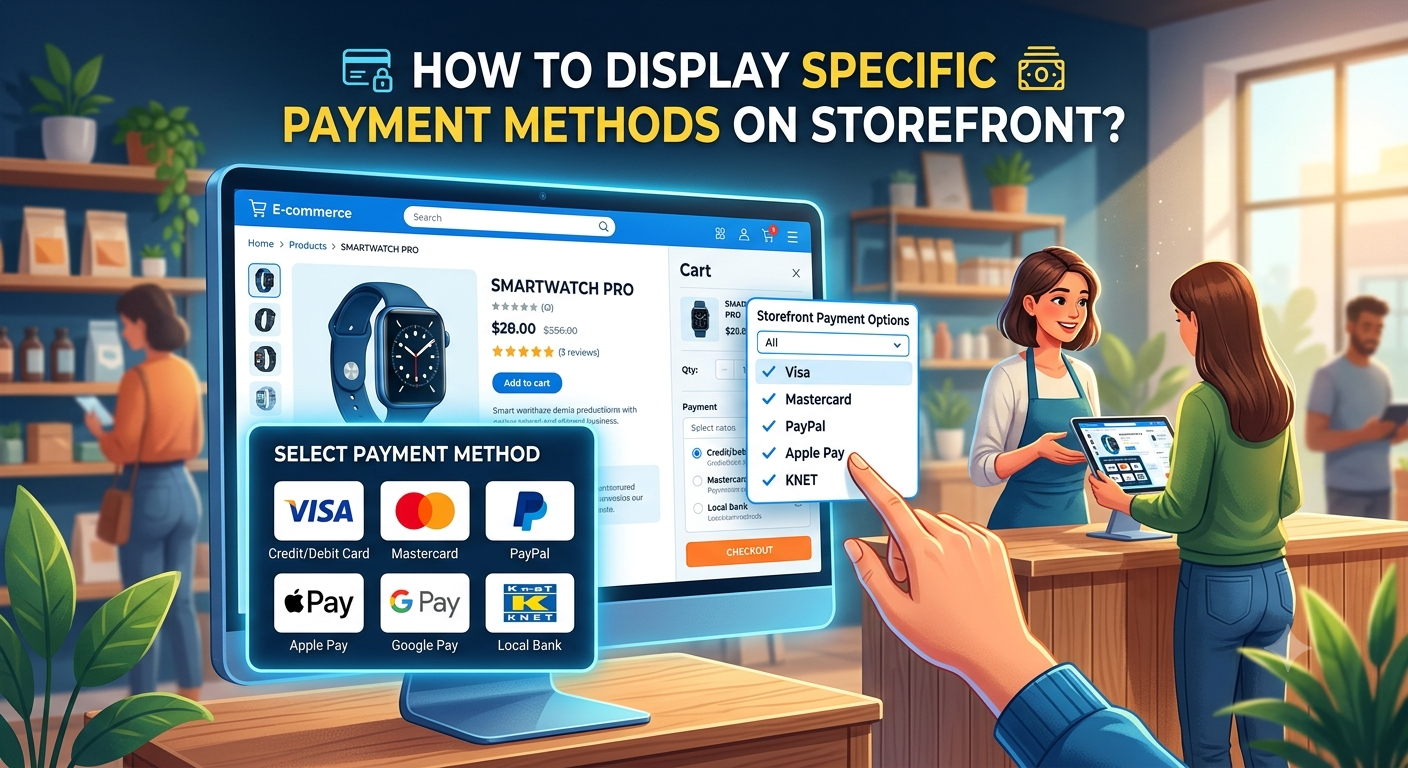
Sometime we have requirement to display specific payment methods from enabled payment methods. For example If you enabled 2 payment methods (Ex. Cash on Delivery and Credit Card). Now for admin you want to display both payment method but for storefront you want to display only Credit Card).
By Default all payment methods will display in frontend as well. So In today's Topic I am going to explain how you can achieve it using observer.
If you are learner and want to learn magento in depth you can join my youtube channel.

First of all you need to create Module , I hope you know how to create module if you don't know you can
visit my blog Create Module in Magento2
Now you have to create system.xml file under app/code/MageAcademy/Checkout Folder
Here MageAcademy is your namespace of module and Checkout is Module name , you can keep this as per your choice and module.
xml version="1.0"?>
<config xmlns:xsi="http://www.w3.org/2001/XMLSchema-instance" xsi:noNamespaceSchemaLocation="urn:magento:module:Magento_Config:etc/system_file.xsd">
    <system>

        <section id="mageacademy_paymentmethods" translate="label" type="text" sortOrder="-5000" showInDefault="1" showInWebsite="1"
                 showInStore="1">
            <label>label>
            <tab>ffctab>
            <resource>MageAcademy_Checkout::configresource>
            <group id="general" sortOrder="10" translate="label" type="text" showInDefault="1" showInWebsite="1" showInStore="1">
                <label>General Settingslabel>
                <field id="payment_gateway" type="multiselect" translate="label" sortOrder="10" showInDefault="1" showInStore="1" showInWebsite="1">
                    <label>Select Payment Gatewaylabel>
                    <comment>comment>
                    <source_model>MageAcademy\Checkout\Model\System\Config\Backend\PaymentMethodsource_model>
                field>
            group>
        section>
     system>
config>
Now Create PaymentMethod.php file under MageAcademy\Checkout\Model\System\Config\Backend Folder namespace MageAcademy\Checkout\Model\System\Config\Backend;
use Magento\Vault\Model\PaymentMethodList;
use Magento\Store\Model\StoreManagerInterface;
/**
* Payment Method options
*/
class PaymentMethod implements \Magento\Framework\Option\ArrayInterface
{
/**
* @var PaymentMethodList
*/
private $vaultMethod;
/**
* @var StoreManagerInterface
*/
private $storeManager;
/**
* PaymentMethod constructor.
* @param PaymentMethodList $vaultMethod
* @param StoreManagerInterface $storeManager
*/
public function __construct(
PaymentMethodList $vaultMethod,
StoreManagerInterface $storeManager
) {
$this->vaultMethod = $vaultMethod;
$this->storeManager = $storeManager;
}
/**
* Return array of payment method.
*
* @return array
*/
public function toOptionArray()
{
$storeId = $this->storeManager->getStore()->getId();
$collections = $this->vaultMethod->getActiveList($storeId);
$methods = [
['value' => 'cashondelivery', 'label' => __('Cash On Delivery')],
['value' => 'paypal', 'label' => __('Paypal')],
];
foreach ($collections as $collection) {
if ($collection->getTitle()) {
$methods[] = ['value' => $collection->getCode(), 'label' => __($collection->getTitle())];
}
}
return $methods;
}
}//end class
Here I have listed out my enabled payment methods code and title, In value you have to useyour payment method code.Now you need to create a Helper and put below funtion to get configuration data/**
* @param $code
* @param null $storeId
* @return mixed
*/
public function getAllowedPaymentMethods()
{
return explode(',', $this->getConfigValue(self::XML_PATH_PAYMENT_GATEWAY));
} Now create event.xml under MageAcademy\Checkout\etc folder and put below code <event name="payment_method_is_active">
<observer name="storefront_restrict_payment_method" instance="MageAcademy\Checkout\Observer\PaymentMethodStoreFront" />
event>Now create Observer PaymentMethodStoreFront.php and put below code
public function execute(\Magento\Framework\Event\Observer $observer)
{
    $quote = $observer->getData('quote');
if ($quote->getGrandTotal() <= 0) { return $this;
} $paymentModel = $observer->getEvent()->getMethodInstance(); $allowdPaymentMethods = $this->helper->getAllowedPaymentMethods();
if (!in_array($paymentModel->getCode(), $allowdPaymentMethods)) {
$checkResult = $observer->getEvent()->getResult();
$checkResult->setData('is_available', false);
        return $this;
} return $this;
}So by this way you can achieve to display payment methods on storefront as per your choiceand display all payment methods on admin.Hope this solution will work for you.Happy Coding and keep visiting.