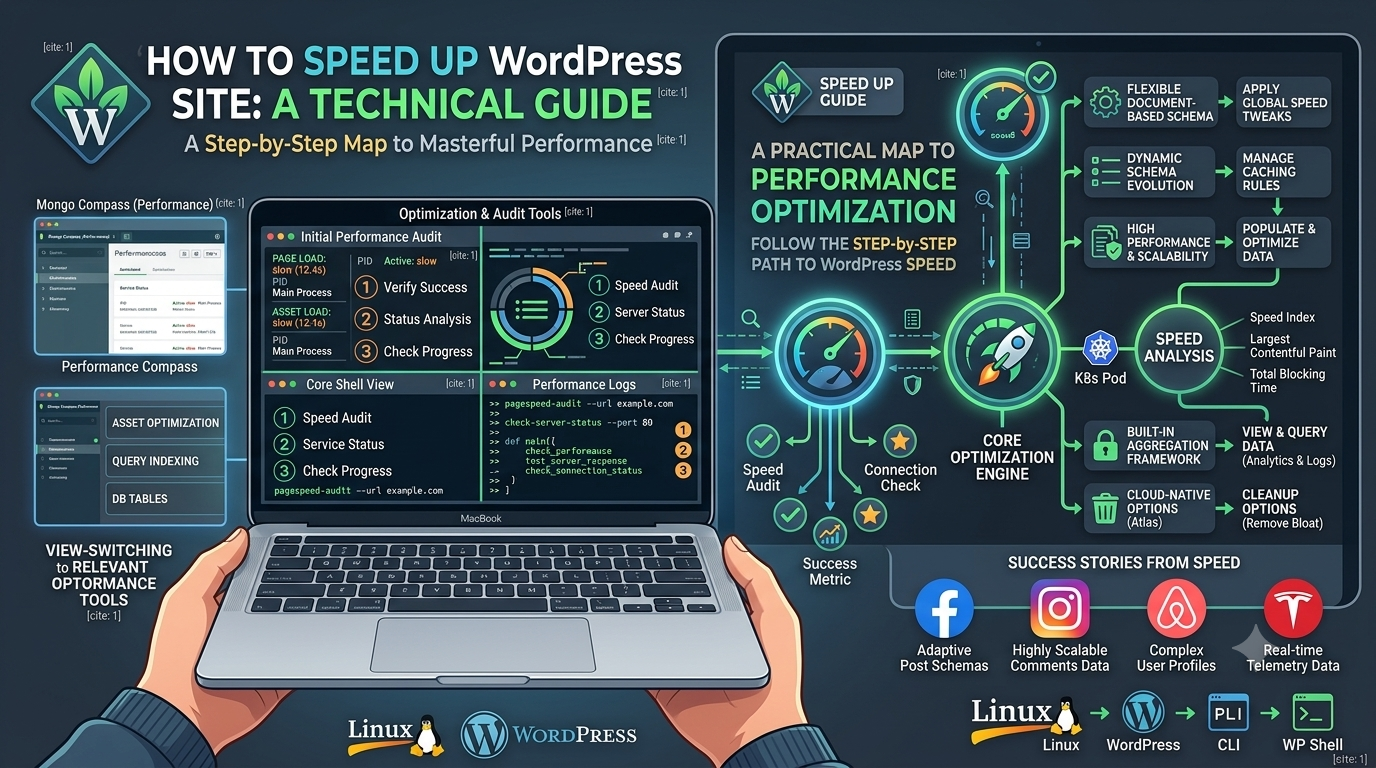
Website speed has become one of the most important factors for online success. Whether you run a blog, ecommerce store, portfolio website, SaaS platform, or business website, visitors expect pages to load quickly.
A slow WordPress website can negatively impact:
User experience
Search engine rankings
Conversion rates
Revenue
Customer trust
Mobile performance
According to Google, page experience and Core Web Vitals are important ranking signals. A website that loads slowly can lose visitors before they even see your content.
Imagine a customer visiting your WooCommerce store. They click on a product page, but it takes 6–8 seconds to load. Many users will simply leave and purchase from a competitor.
Speed optimization is not only about making your website faster; it is about creating a better experience for users and search engines.
In this complete guide, you will learn:
Why WordPress websites become slow
How to measure WordPress speed
Best hosting options
How to optimize images
How caching improves performance
How to reduce plugins
How to optimize databases
How to use CDN
How to improve Core Web Vitals
Real-world optimization examples
Best WordPress speed optimization tools
Why WordPress Website Speed Matters
1. Better User Experience
Users expect websites to load instantly.
Research shows that:
A delay of a few seconds can increase bounce rates.
Mobile users are especially sensitive to slow websites.
Faster websites create better engagement.
For example:
Slow Website
A visitor searches:
"Best WordPress themes for restaurants"
They click your blog post.
Loading time:
8 seconds
Result:
Visitor gets frustrated
Visitor closes the browser
You lose a potential customer
Fast Website
Loading time:
1.5 seconds
Result:
User reads your article
Visits product pages
Signs up
Purchases
2. SEO Ranking Improvement
Website speed directly affects SEO performance.
Google focuses on:
Largest Contentful Paint (LCP)
First Input Delay (FID)
Interaction to Next Paint (INP)
Cumulative Layout Shift (CLS)
These metrics are part of Google Core Web Vitals.
A faster website helps search engines:
Crawl pages efficiently
Understand your content
Provide better rankings
For example:
Website A:
Loading Time: 7 seconds
Mobile Score: 45
Website B:
Loading Time: 1.8 seconds
Mobile Score: 95
Website B has a better chance of ranking higher because it provides a better experience.
3. Higher Conversion Rate
Speed directly impacts sales.
Example:
WooCommerce Store
Before Optimization:
Loading time: 6 seconds
Conversion rate: 1.5%
After Optimization:
Loading time: 2 seconds
Conversion rate: 3%
The website generates double the sales without increasing advertising costs.
4. Better Mobile Performance
More than half of internet traffic comes from mobile devices.
Mobile users often have:
Slower networks
Limited processing power
Smaller screens
A website optimized for desktop but slow on mobile will lose many customers.
How to Check WordPress Website Speed
Before optimizing your website, measure the current performance.
Recommended tools:
1. Google PageSpeed Insights
Provides:
Performance score
Core Web Vitals
Optimization suggestions
Mobile and desktop reports
Example:
Before optimization:
Performance Score: 42
LCP: 5.8 seconds
CLS: 0.25
After optimization:
Performance Score: 95
LCP: 1.8 seconds
CLS: 0.05
2. GTmetrix
Useful for:
Waterfall analysis
JavaScript issues
CSS optimization
3. WebPageTest
Advanced testing:
Multiple locations
Different browsers
Connection speeds
Common Reasons Why WordPress Websites Are Slow
1. Poor Hosting
Hosting is the foundation of website performance.
Many beginners choose cheap shared hosting because it is affordable.
However, shared hosting often means:
Shared CPU resources
Limited memory
Slow database performance
More downtime
Example:
A WooCommerce store receiving 5,000 visitors daily may struggle on basic shared hosting.
Better options:
Managed WordPress hosting
VPS hosting
Cloud hosting
Popular platforms:
Managed WordPress Hosting
Kinsta
WP Engine
Cloudways
Cloud/VPS Hosting
Amazon Web Services
DigitalOcean
Hetzner
2. Too Many WordPress Plugins
Plugins add functionality, but too many plugins can slow down your website.
Example:
A typical business website may have:
SEO plugin
Security plugin
Backup plugin
Contact form plugin
Page builder
Analytics plugin
Social sharing plugin
Popup plugin
Each plugin may load:
PHP files
CSS
JavaScript
Database queries
Instead of installing 40 plugins, use lightweight alternatives.
How Many Plugins Are Too Many?
There is no fixed number.
A website with:
20 optimized plugins
can be faster than:
5 poorly coded plugins.
Focus on:
Plugin quality
Developer reputation
Performance impact
3. Unoptimized Images
Images are one of the biggest reasons websites become slow.
Example:
A blog image:
Before:
Size: 5 MB
Format: PNG
Resolution: 5000px
After optimization:
Size: 120 KB
Format: WebP
Resolution: 1200px
The visitor sees almost the same quality but loads much faster.
Best Image Optimization Practices
Use Modern Image Formats
Recommended:
WebP
AVIF
Avoid:
Large PNG files
High-resolution JPG images
Image Optimization Plugins
Popular WordPress plugins:
ShortPixel
Imagify
Smush
Features:
Automatic compression
WebP conversion
Lazy loading
Image resizing
4. Poor WordPress Theme
Your theme controls:
HTML structure
CSS files
JavaScript loading
Database queries
Heavy themes often include:
Multiple sliders
Animations
Page builders
Extra scripts
Examples of lightweight themes:
GeneratePress
Astra
Kadence WP
5. No Caching System
Every time someone visits your website:
Without caching:
Visitor Request
      |
WordPress PHP Processing
      |
Database Query
      |
Generate Page
      |
Send Response
With caching:
Visitor Request
      |
Cached HTML Page
      |
Fast Response
Caching reduces server workload significantly.
Best WordPress Cache Plugins
WP Rocket
Features:
Page caching
Browser caching
Lazy loading
CSS optimization
Database cleanup
LiteSpeed Cache
Best when using LiteSpeed servers.
Features:
Server-level caching
Image optimization
CDN integration
Database optimization
W3 Total Cache
Features:
Object caching
Browser caching
CDN support
6. Slow Database
WordPress stores:
Posts
Pages
Settings
Plugin data
Comments
Revisions
Over time, databases become bloated.
Common database problems:
Thousands of revisions
Spam comments
Expired transients
Plugin leftovers
Database Optimization Plugins
Recommended:
WP-Optimize
Can clean:
Post revisions
Auto drafts
Spam comments
Database tables
7. Not Using CDN
A Content Delivery Network (CDN) stores website files across multiple global servers.
Without CDN:
User UAE
   |
USA Server
   |
Slow Response
With CDN:
User UAE
   |
Dubai CDN Edge
   |
Fast Response
Popular CDN Platforms:
Cloudflare
Features:
Free CDN
Security protection
DDoS protection
Cache optimization
Bunny CDN
Features:
Affordable pricing
Global edge network
Image optimization