Hey devs, picking an eCommerce platform can feel as tricky as choosing the right framework for a new app. By the end of this guide you'll know exactly which stack gives you the flexibility, performance, and pricing you need. No more guesswork. Let's break down the options so you can code your store with confidence.
Here's a stat that might surprise you: only 24% of the leading eCommerce platforms tout headless support. And among the open-source options, just one (Shopware) actually offers it. That's a thin pool. But don't worry, we've combed through the data to find the platforms that respect your code, your time, and your budget. This list covers 11 platforms, from the monolithic giants to the headless upstarts. Each section dives into developer experience, API capabilities, customization, and gotchas. Let's get started.
Table of Contents
- 1. Shopify , Best for Rapid Prototyping and App Ecosystem
- 2. WooCommerce , Best for WordPress Integration and Flexibility
- 3. BigCommerce , Best for Headless Commerce at Scale
- 4. Adobe Commerce (Magento) , Best for Enterprise Customization
- 5. Medusa , Best for Headless, API-First Open Source
- 6. Saleor , Best for GraphQL-Native Headless Commerce
- 7. Commerce.js , Best for Modern Jamstack Projects
- 8. Shopware , Best for European Developers Seeking Flexibility
- 9. Spree Commerce , Best for Ruby on Rails Developers
- 10. Solidus , Best for Flexible Headless Rails Commerce
- 11. Salesforce Commerce Cloud , Best for Enterprise Cloud Solutions
- How to Choose the Right eCommerce Platform , Comparison Table
- Frequently Asked Questions
- Conclusion
1. Shopify , Best for Rapid Prototyping and App Ecosystem
You can launch a Shopify store in under an hour. That's the kind of speed developers appreciate when they need to validate an idea. Shopify's developer platform gives you full control over themes with Liquid, access to a REST and GraphQL API, and a massive app ecosystem. If a feature doesn't exist, there's probably an app for it.
But there's a catch: every app adds a monthly fee. The average Shopify store uses seven apps, costing hundreds per month. Still, for rapid prototyping and a battle-tested stack, Shopify is hard to beat.
Shopify's API is clean and well documented. You can build custom checkout experiences (on Shopify Plus) and integrate with any third-party service via webhooks. The downside? Customizing the checkout flow is limited on lower plans. Also, Shopify's URL structure adds "/products" and "/collections" by default, which some SEO purists dislike. But for getting a store up fast, Shopify is the go-to.
One more thing: Shopify's transaction fees sting if you don't use Shopify Payments. If you prefer another gateway, you'll pay an extra 0.5%, 2% per transaction. That adds up. Still, for most developers, the ease of setup and the extensibility make it worthy.

2. WooCommerce , Best for WordPress Integration and Flexibility
WooCommerce is the most popular eCommerce platform on the web (by market share). It's a free plugin that turns any WordPress site into a fully functional store. For developers who already know WordPress, the learning curve is minimal. You get the full power of WordPress's content management and SEO tools (via Yoast or RankMath) plus ecommerce functionality.
Because WooCommerce is open source, you own all your data. There are no transaction fees from the platform itself. But you need to pay for hosting, security, and any premium extensions. Hosting can be as low as $3/month with good providers. The biggest win: total control over your code. You can override any template, write custom PHP, and build anything.
The downside? Performance. WooCommerce can get heavy if you have many products or plugins. You'll need to optimize caching, use a CDN, and maybe upgrade hosting. Also, security is your responsibility, you must keep WordPress, WooCommerce, and all plugins updated. For a developer who enjoys tuning a stack, that's a perk. For someone who wants a hands-off solution, it's a chore.
WooCommerce has the largest plugin ecosystem of any platform. Need a subscription plugin? There are dozens. Want to build a custom shipping calculator? You can. The flexibility is unmatched. Just be ready to maintain it.
If you're building a content-heavy store (like a blog that sells products), WooCommerce is perfect. It's also the cheapest option long-term, if you manage your own hosting and avoid premium plugins.
3. BigCommerce , Best for Headless Commerce at Scale
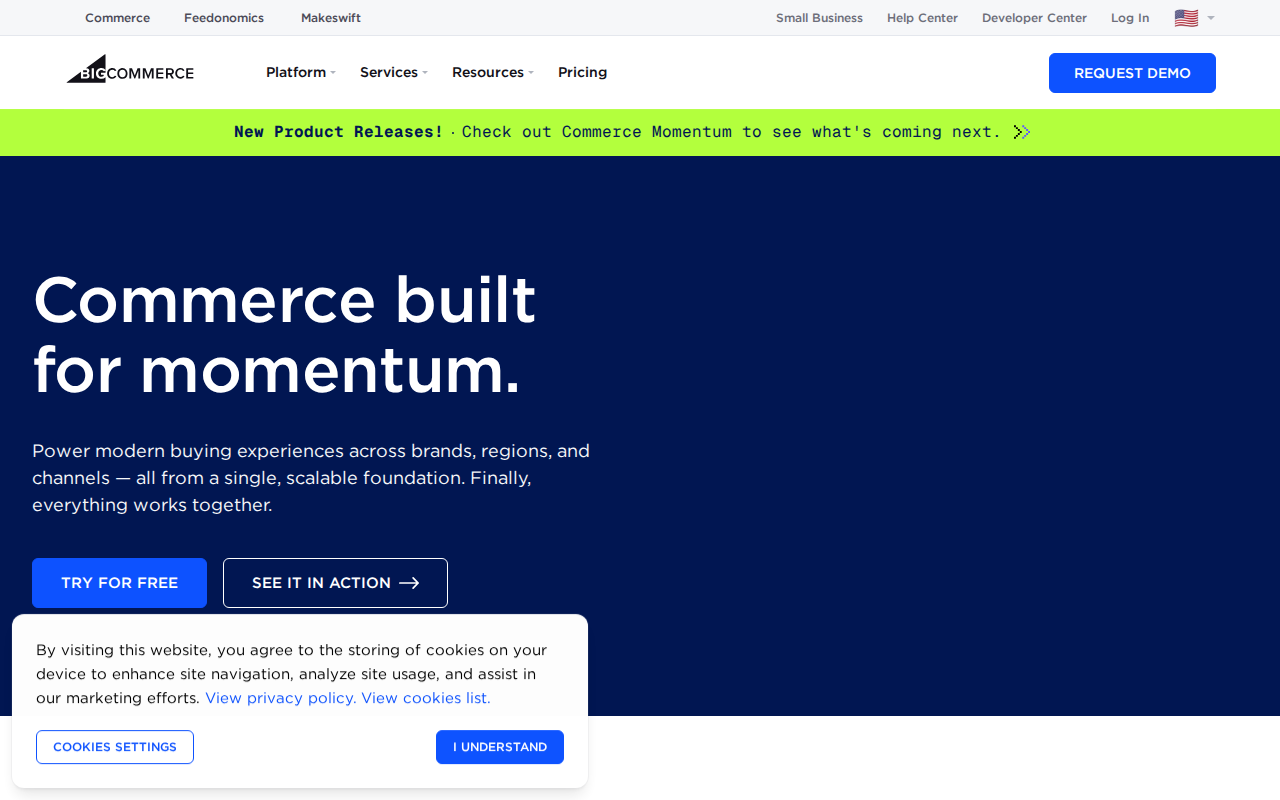
BigCommerce is one of the few platforms that openly supports headless commerce. That means you can decouple the frontend from the backend and use any framework you like (React, Vue, Angular). BigCommerce calls this the "big commerce for developers" approach. Their API is extensive, and they offer a Stencil framework for theme development, but they also fully support a headless setup.
The built-in features are strong: you get multi-currency, abandoned cart recovery, and advanced SEO tools out of the box. No app needed. That saves money compared to Shopify. Transaction fees are also lower if you use their payment processor.
For developers, the BigCommerce API supports both REST and GraphQL. You can manage products, orders, customers, and content via API. There's even a webhook system for real-time notifications. The platform scales well, you can run a $1 million store without breaking a sweat.
A downside: the admin interface has a steeper learning curve than Shopify. Some developers find it clunky. Also, customization beyond what the API exposes can be limited, you might need to use an app or custom integration. But for headless projects, BigCommerce is a strong contender.
BigCommerce also has a pricing model that locks you into their plan levels based on sales volume. If you exceed a certain threshold, you're forced to upgrade, which can feel punitive. Still, the features per dollar are solid.
4. Adobe Commerce (Magento) , Best for Enterprise Customization
Adobe Commerce (formerly Magento) is the heavyweight champ of customization. You can change almost every aspect of the platform, from the checkout flow to the admin interface. It's built on PHP and uses a modular architecture that lets you create custom modules. For developers, this is a dream. You have full control.
The trade-off: complexity. Magento is notorious for its steep learning curve. Setting up a local development environment requires Composer, a database, and understanding the Magento file structure. Deployment can be tricky, and hosting costs are higher. You'll want a solid DevOps pipeline.
But once it's set up, you can build anything. Need custom logging for debugging? You can. Need a custom REST API endpoint? Magento's architecture supports it. The platform is also highly scalable, used by brands like Coca-Cola and Ford.
Security is another consideration, you're responsible for applying patches and updates. Adobe releases security patches regularly, but if you miss one, you leave your store vulnerable. You'll need a dedicated team or a partner agency like CreatesWowTech to handle maintenance.
Magento is best for large enterprises with complex needs (B2B, multiple storefronts, custom pricing). If you have the budget and the team, it's the most powerful option. For small projects, it's overkill.
5. Medusa , Best for Headless, API-First Open Source
Medusa is an open-source headless commerce platform built with Node.js and TypeScript. It's API-first: you get a complete REST and GraphQL API out of the box. You can build your frontend with any framework (React, Next.js, Gatsby). Medusa also provides an admin dashboard, but you can customize it or build your own.
What makes Medusa special for developers? The code is modern and well-structured. You can extend functionality through plugins and custom services. There's a built-in payment system with integrations for Stripe, PayPal, and more. Shipping integrations are also pluggable.
Performance is solid, it's built on Node.js, so it handles many concurrent requests. You can deploy it to Vercel, Netlify, or your own server. The documentation is clear, and there's an active community on Discord.
The main downside: Medusa is newer than Shopify or WooCommerce, so the plugin ecosystem is smaller. You may need to build some integrations yourself. Also, you're responsible for hosting and security. But for a development team that wants full control and a modern stack, Medusa is a top pick.

6. Saleor , Best for GraphQL-Native Headless Commerce
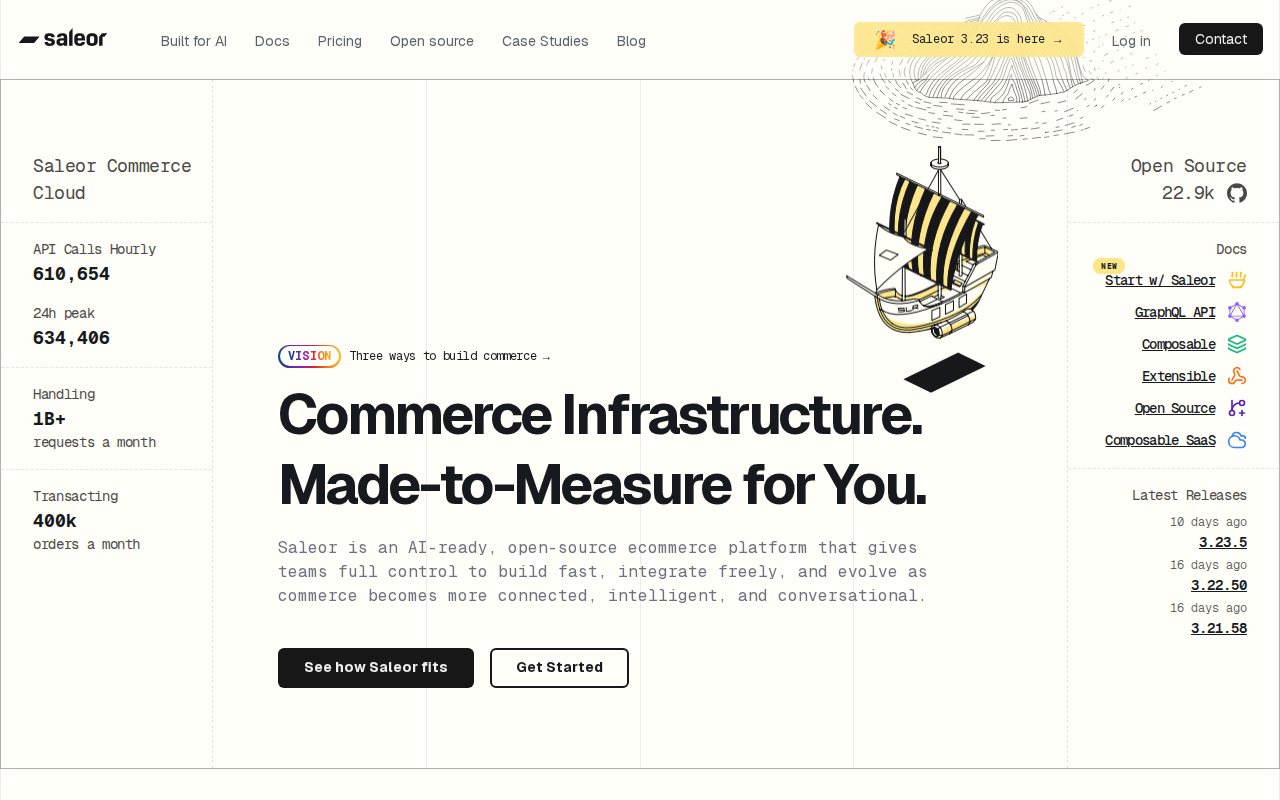
Saleor is an open-source headless commerce platform written in Python and Django. Its entire API is built on GraphQL, which gives you precise data fetching and no over-fetching. Saleor's dashboard is built with React and TypeScript, so frontend developers will feel at home.
Saleor offers native GraphQL support, something many platforms only add as an afterthought. This makes it easy to build rich, dynamic storefronts. You can deploy Saleor on Heroku or any cloud provider. According to performance tests, Saleor handles about 92 requests per second for a single product, strong enough for most stores.
The platform comes with many built-in features: product management, orders, customers, and a flexible plugin system. You can extend it via apps (standalone services that access the API) or plugins (code that runs inside Saleor). This gives you two ways to add features.
Saleor's community is active, and the documentation is excellent. The main downside: Python/Django means hosting is different from Node.js stacks. You'll need a stack that supports Python (like Heroku or AWS). Also, the platform is less known, so finding specialized developers might be harder.
If you love GraphQL and want a modern, flexible headless solution, Saleor is a great choice.
7. Commerce.js , Best for Modern Jamstack Projects
Commerce.js is a headless commerce SDK designed for the Jamstack. It's not a traditional platform, you use their APIs to add cart, checkout, and product management to any site. The focus is on providing a great developer experience with a clean, well-documented SDK that works with JavaScript frameworks like React, Vue, and Angular.
Commerce.js gives you full control over the frontend. You can design a custom checkout flow, create your own product pages, and manage inventory via API. There's no admin panel in the traditional sense; you control everything through code. This is perfect for developers who want to avoid clicking through a backend.
The platform scales automatically, they handle the infrastructure. You pay per transaction, so costs are usage-based. For a small store, it can be very affordable. For a large store, it scales with you.
A downside: because Commerce.js is more of an API than a platform, you have to build the admin features yourself. There's no built-in dashboard for managing products or orders unless you create one. That's fine for developers but could be a bottleneck if you need a non-technical staff to manage the store.
Commerce.js is ideal for Jamstack projects where you want to own the frontend completely. If you're building with Gatsby, Next.js, or Nuxt, it's a natural fit.
8. Shopware , Best for European Developers Seeking Flexibility
Shopware is a German open-source eCommerce platform that has gained a strong following in Europe. It offers both a traditional approach and a headless API. In fact, Shopware is the only open-source platform in our research that provides true headless support, something many developers look for.
The platform is built on PHP and Vue.js. It has a plugin system similar to Magento but is less complex. You can extend the backend with custom modules, and the frontend can be fully customized with Twig templates or decoupled via the API. Shopware also has a strong focus on performance with built-in caching and support for Elasticsearch.
Shopware comes with many built-in features: multi-currency, multi-language, advanced pricing rules, and a flexible product structure. It's especially strong for B2B scenarios. The admin interface is modern and intuitive.
The downside: community and ecosystem are smaller than Shopify or WooCommerce, especially outside Europe. Documentation is good but sometimes only in German. If you're targeting European markets, Shopware is a solid choice. For global reach, you might find fewer ready-made extensions.
9. Spree Commerce , Best for Ruby on Rails Developers
Spree Commerce is the original open-source Ruby on Rails eCommerce platform. It's known for being lightweight and modular. Developers who love Rails will appreciate the clean code structure and the ease of creating custom extensions. Spree comes with many built-in features: product management, orders, payments, and a good range of payment gateway integrations.
Spree's API supports both REST and GraphQL. According to performance tests, Spree handles about 457 requests per second for a single product, very fast. That's because Rails is efficient and Spree has a minimal footprint.
A major concern: Spree was acquired by First Data in 2016, and the open-source community support has diminished. The project is still alive, but active development has slowed. Some developers have moved to Solidus (a fork). However, Spree remains a solid option for Rails developers who need a proven base and don't mind maintaining it themselves.
If you're building a simple to moderately complex store and want the elegance of Rails, Spree is worth considering. Just be aware of the community slowdown.
10. Solidus , Best for Flexible Headless Rails Commerce
Solidus is a fork of Spree Commerce created by developers at Bonobos. It started as Spree 2.4 and added improvements like store credit, multiple promotion codes, and better security. The code base is actively maintained and has a strong community. Solidus is fully open source and runs on Ruby on Rails.
What sets Solidus apart is its flexibility. You can use it as a traditional monolithic store or as a headless backend. The API (REST and GraphQL) supports building a decoupled frontend. Many brands like Bonobos and AYR use Solidus in production. It's known for being stable and scalable.
For developers, Solidus offers the same Rails benefits as Spree but with a more active community and regular updates. The configuration is straightforward, and there are many extensions available. You can customize almost anything through Ruby code.
One downside: Solidus is less beginner-friendly than Shopify. You need to know Rails to get the most out of it. Also, hosting Rails apps can be more expensive than PHP or Node (due to server requirements). But for Rails developers, Solidus is arguably the best option.

11. Salesforce Commerce Cloud , Best for Enterprise Cloud Solutions
Salesforce Commerce Cloud is a cloud-based enterprise eCommerce platform. It's part of the Salesforce ecosystem, so it integrates tightly with Sales Cloud, Service Cloud, and Marketing Cloud. For large companies that already use Salesforce, this is a big win. The platform supports B2C and B2B scenarios with features like AI-powered personalization (Einstein), multi-site management, and global expansion.
From a developer perspective, Commerce Cloud uses a proprietary scripting language called ISML for templates and controllers. It's not as open as PHP or Python. You can also use the B2C Commerce API (REST) to build headless experiences. The platform is highly scalable and reliable.
The downside: it's expensive. License fees are high, and you often need a dedicated implementation partner. Customization beyond the platform's capabilities can be tricky. Developers may find the scripting language limiting compared to modern stacks.
Salesforce Commerce Cloud is best for enterprises with large budgets and complex needs. If you are in a Fortune 500 company and need a strong, integrated solution, this is it. But for smaller teams, it's overkill.
How to Choose the Right eCommerce Platform , Comparison Table
Choosing between these platforms depends on your tech stack, budget, and project needs. Below is a comparison table to help you decide. Consider factors like headless support, API type, cost, and community size.
When evaluating, also consider security, especially if you're handling sensitive customer data. Using proper credential management tools can help protect your API keys and tokens. For more on that, check out best secrets management tools for 2026 to secure your infrastructure.
Frequently Asked Questions
What is the best eCommerce platform for developers in 2026?
The best platform depends on your tech stack. For rapid prototyping and a large app ecosystem, Shopify is a safe bet. If you want open-source flexibility and already use WordPress, WooCommerce is ideal. For headless projects with Node.js, Medusa is top-notch. Each platform offers different trade-offs in customization, cost, and developer tooling.
Which eCommerce platform has the best API for developers?
Saleor and Medusa both offer excellent GraphQL APIs that are easy to work with. BigCommerce and Shopify also have strong REST and GraphQL APIs. The choice often comes down to whether you prefer Python (Saleor), Node.js (Medusa), or a hosted solution (Shopify). All provide good documentation and SDKs.
Is headless commerce better for developers?
Yes, headless commerce lets you use modern frontend frameworks like React, Vue, or Angular while the backend handles ecommerce logic. This gives you full control over user experience and performance. However, headless adds complexity: you need to manage the frontend and backend separately. If you have a dedicated dev team, headless is great. For small teams, a monolithic platform may be faster.
Which eCommerce platform is best for a small budget?
WooCommerce is the most affordable if you already have hosting (the plugin is free). Medusa, Saleor, and Shopware are also free to use but require hosting costs. Shopify starts at $29/month but offers a 3-day free trial. Compare all the Magento2 custom log guide for enterprise needs, but small budgets should avoid Adobe Commerce.
Can I build a headless store with WooCommerce?
Yes, but it's not native. You can use the WooCommerce REST API to decouple the frontend, but you'll need to build the frontend yourself. There are also headless WordPress frameworks like Faust.js. Still, WooCommerce is not designed as a headless-first platform, so you may hit limitations with performance and API features.
What security features should developers look for in an eCommerce platform?
Look for PCI compliance, OWASP guidelines, token-based authentication (OAuth), and webhook verification. Platforms like Shopify and BigCommerce handle most security on their end. Open-source platforms require you to manage patches and updates. Always use environment variables for API keys, secrets management tools can help secure credentials.
Which platform is best for large product catalogs?
Adobe Commerce (Magento) and Shopify Plus are proven for catalogs with thousands of products. BigCommerce also handles large catalogs well with its built-in tools. For open-source options, Solidus and Spree can scale with proper caching and hosting, but they require more setup.
How do I migrate from one eCommerce platform to another?
Migration involves exporting product, customer, and order data (usually via CSV or API), then importing into the new platform. Many platforms offer migration apps or services. For custom data, you may need to write scripts. Open-source platforms give you full database access. Consider using a migration partner or agency to minimize downtime and data loss.
Conclusion
Choosing the right eCommerce platform as a developer is about balancing control, cost, and complexity. We've covered 11 platforms that each serve different needs. If you want a quick start with minimal maintenance, Shopify is your friend. If you love open source and need total customization, go with WooCommerce, Medusa, or Solidus. For headless projects, BigCommerce, Medusa, and Saleor stand out. And for enterprise, Adobe Commerce and Salesforce Commerce Cloud deliver the heavy lifting.
Remember, the best platform is the one that fits your specific project requirements. Test a few with your team, most offer free trials or open-source demos. And don't be afraid to mix and match: you can use a headless platform with a custom frontend while integrating third-party services. The tools are there.
Ready to start building? Pick one platform from this list and give it a try. Your next great store is just a `git clone` away.