Hello Guys!
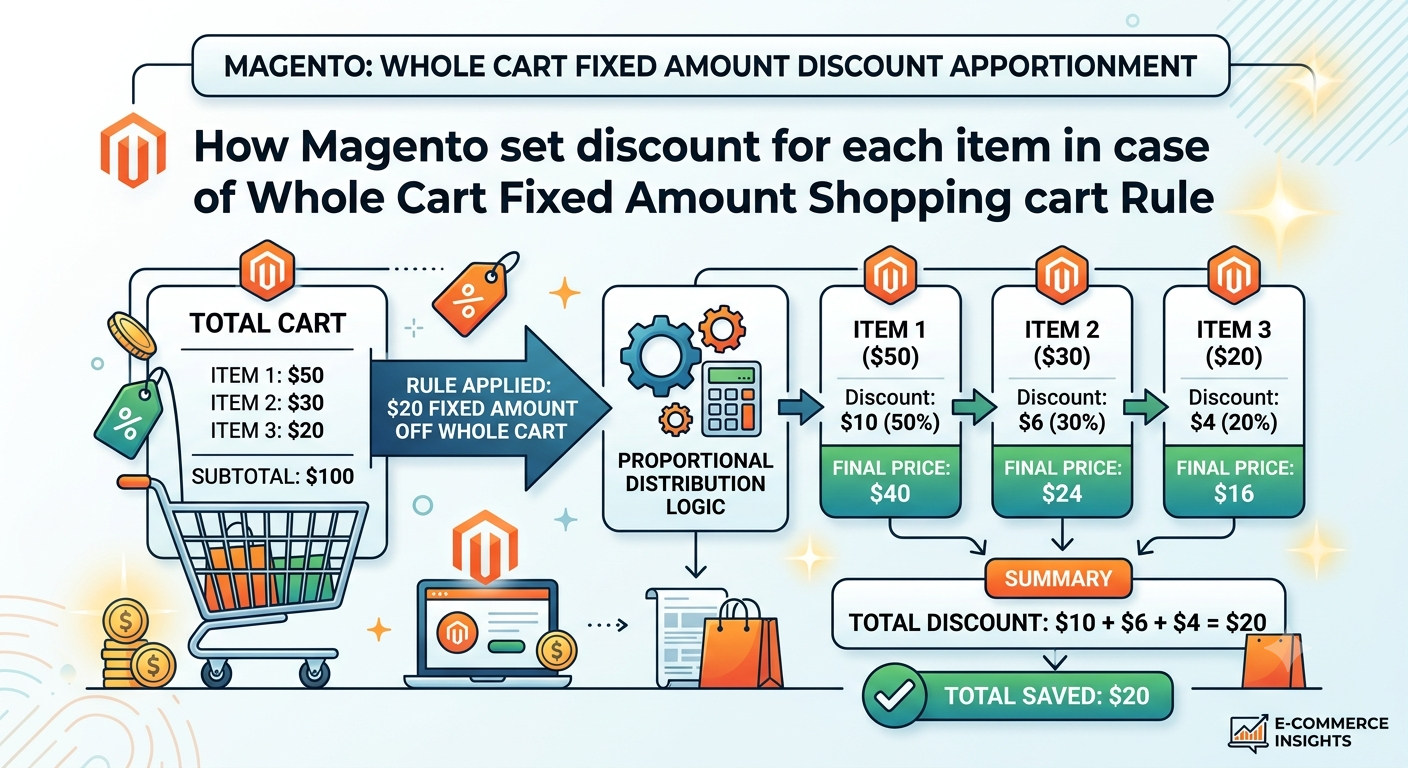
If you have seen that when you create a cart rule with action as "Whole cart Fixed Amount" and apply that rule on order then magento divided that fixed amount between each item. So Magento cacluate it we will understand it today.
There is one model Magento\SalesRule\Model\Rule\Action\Discount\CartFixed
Here you can see function calculate
This function call for each item.
Here you can see below code at line 100
$ratio = $baseItemPrice * $qty / $ruleTotals['base_items_price'];
So Magento is calculating the ratio of discount for each item
So Item Based amount multiply by cart qty divided by cart sub total for all items.
So Fix example
We have 2 items
101 with qty 1 price is $100 each
102 with qty 2 price is $50 each
and We are appply a coupon for 30$
So here cart total amount will be $200
and we applied discount 30$
so now we need to divide this 30$ for each item.
So for 101 the ratio will be 100*1/200 = 0.5
FOr 102 the ration will be 50*2/200 = 0.5
Now Look at below code
$maximumItemDiscount = $this->deltaPriceRound->round(
    $rule->getDiscountAmount() * $ratio,
    $discountType
);
check $rule->getDiscountAmount() * $ratio
Here it calculate the discount so
for 101 it will be 30*0.5 = 15
for 102 it will be 30*0.5 = 15
So hope you understand how magento assign discount for each item in case of Fixed Amount cart rule